Dashboard
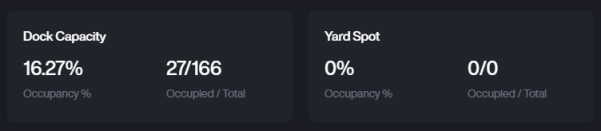
Location Occupancy Overview
You can view the occupancy status of docks and spots within the yard.
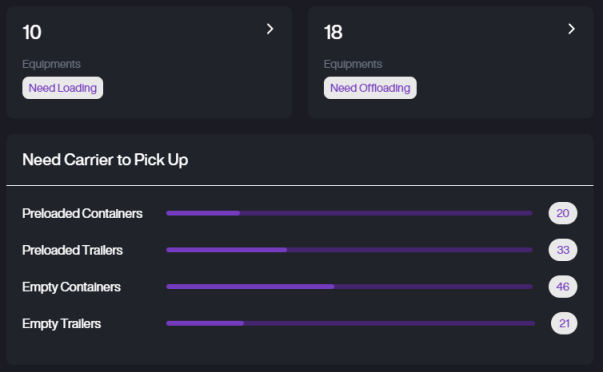
Equipment Loading & Unloading Overview
You can view the occupancy status of docks and spots within the yard.
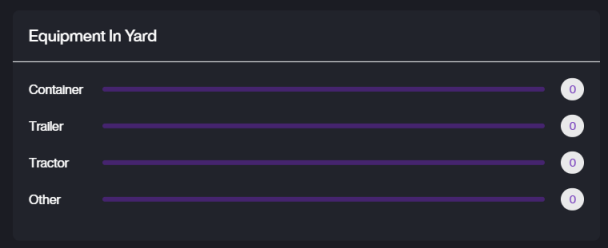
Equipment In Yard
View the current number of different equipment types in the yard, including Containers, Trailers, Tractors, and Others.Carrier & Customer.
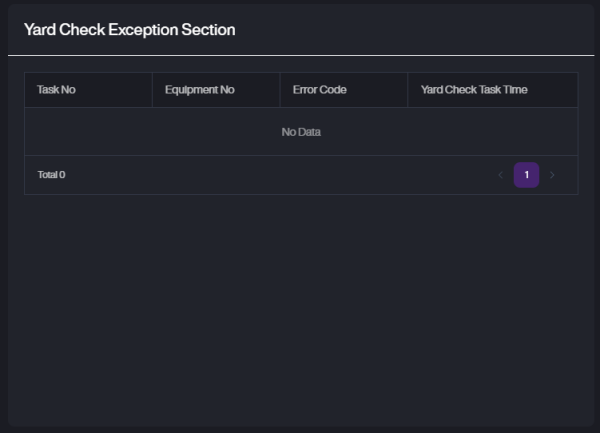
Yard Check Exception Section
Displays exceptions identified during Yard Check Tasks, such as missing equipment or errors during verification.
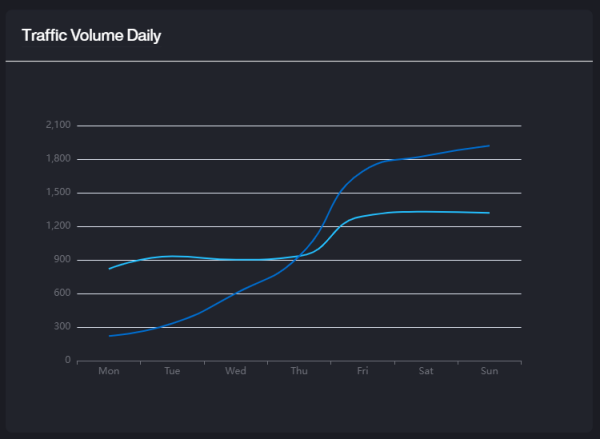
Traffic Volume Daily
A line chart showing daily traffic flow trends in and out of the yard.
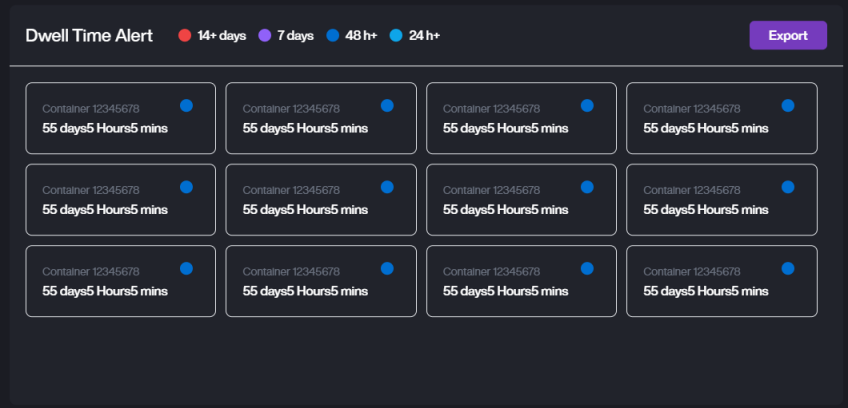
Dwell Time Alert
Highlights equipment with extended dwell time. Equipment is color-coded based on how long it has stayed in the yard (e.g., 24h+, 48h+, 7 days+, 14+ days).
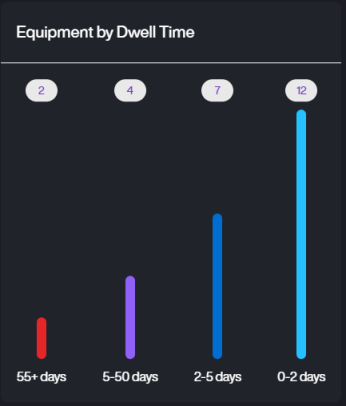
Equipment by Dwell Time
A bar chart displaying the distribution of equipment by dwell time segments (e.g., 0-2 days, 2-5 days, 5-50 days, 55+ days).
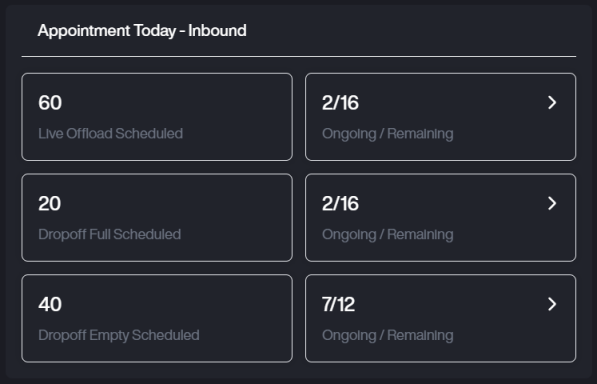
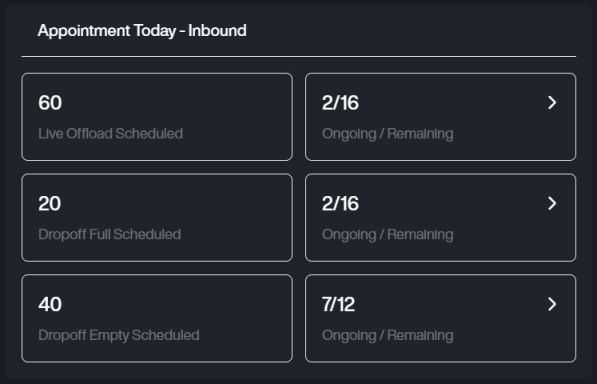
Appointment Today - Inbound
Summarizes today's inbound appointments, including scheduled Live Offloads and Dropoffs, with progress status on ongoing tasks.
Appointment Today - Outbound
Summarizes today's outbound appointments, such as Live Loads and Preload Pickups, including how many tasks are in progress or remain open.