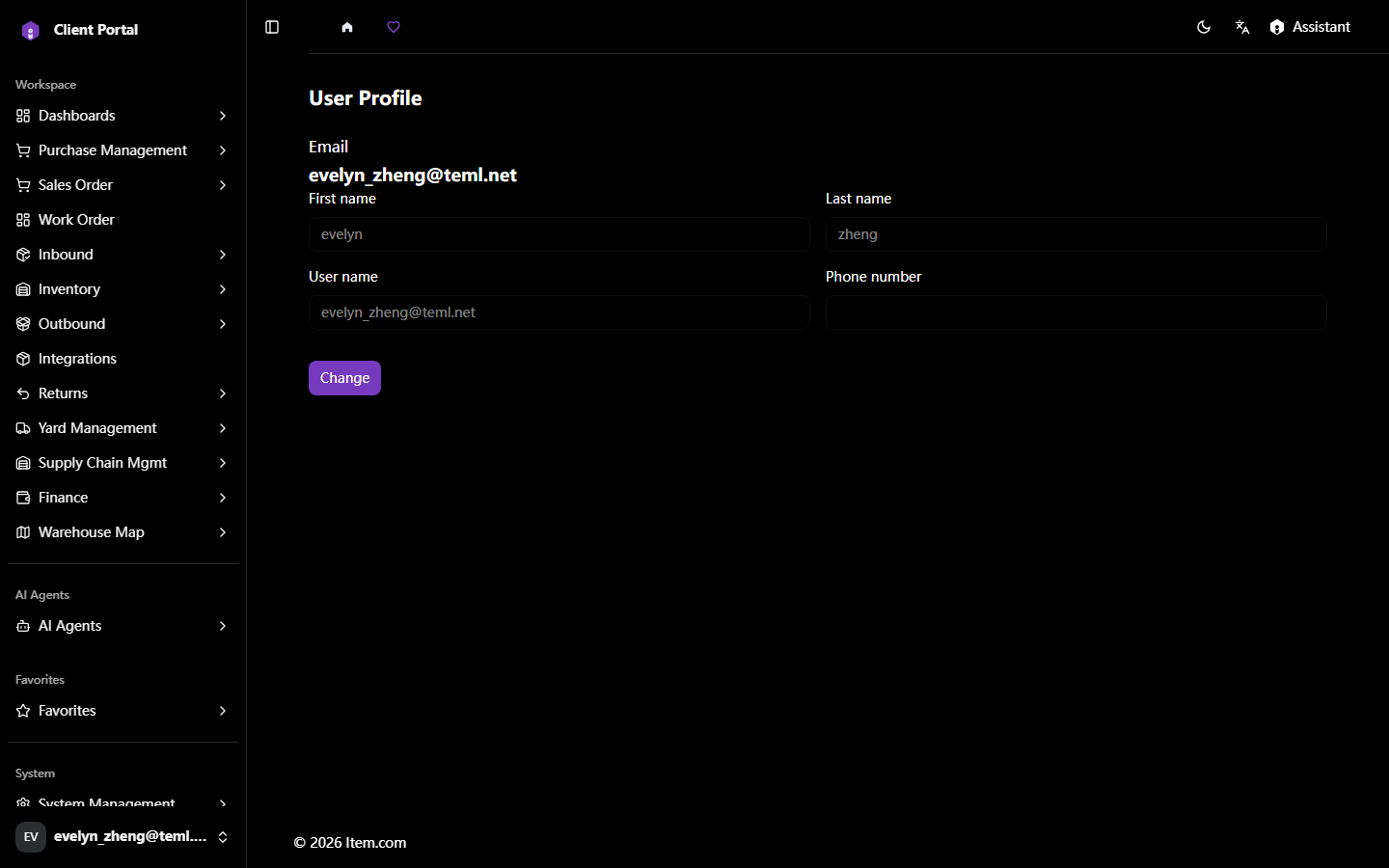
User Profile
The User Profile page allows you to view and update your personal account information. Access it from the user icon at the bottom of the left sidebar.
Operating Steps
- Click the User Profile icon at the bottom of the left sidebar
- Click "Change" to update your Name, First Name, Last Name, Username, or Phone Number
- Click "Logout" (via the user icon menu) to sign out
Screenshots