Automated Order Entry
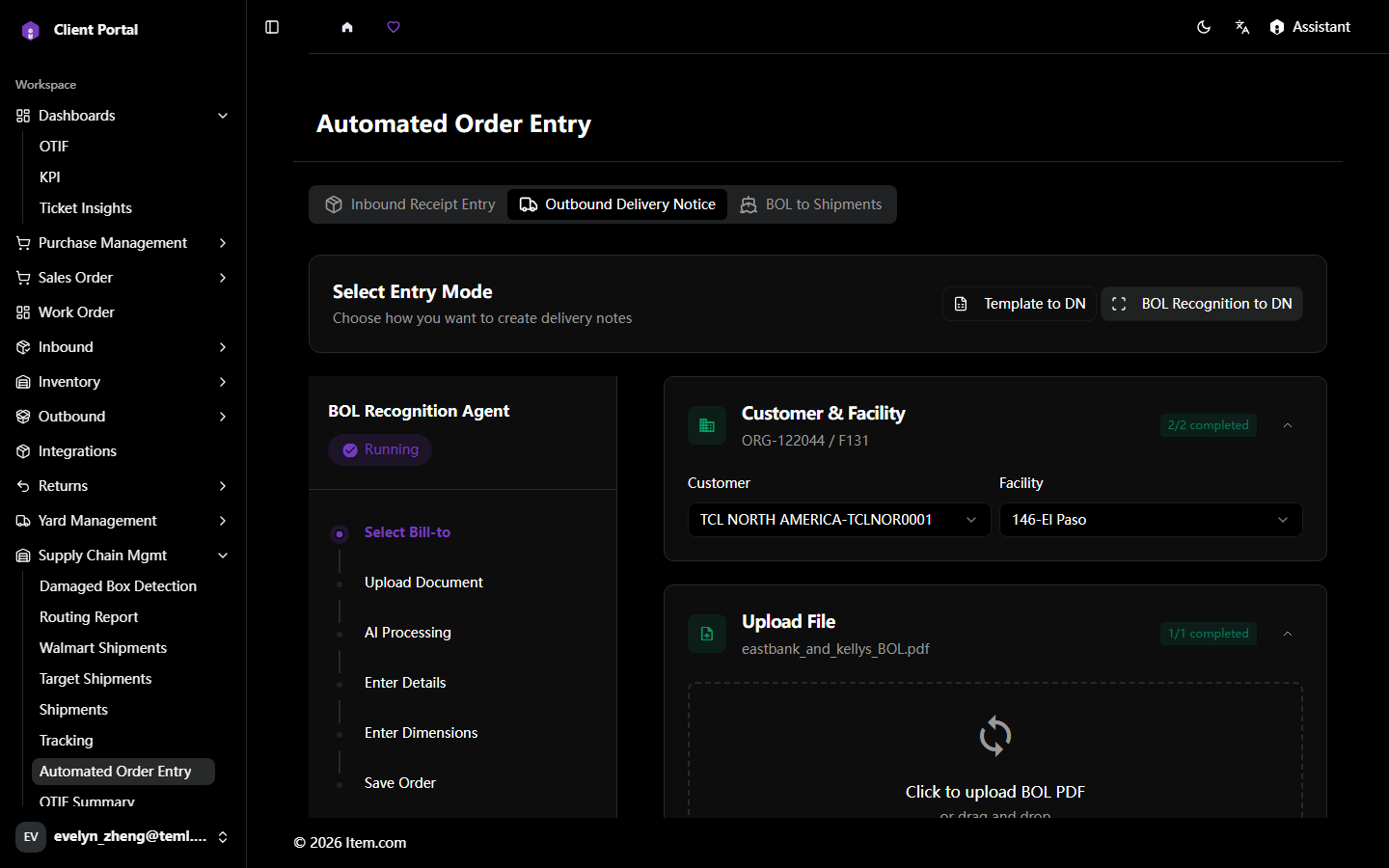
Automated Order Entry uses AI-powered BOL recognition to automatically extract order data from uploaded documents and create orders, reducing manual data entry.
Operating Steps
- Navigate to Supply Chain Mgmt → Automated Order Entry
- Click Inbound Receipt Entry, Outbound Delivery Notice or BOL to Shipments, Click to upload or drag and drop document (PDF or image)
- Confirm all information is accurate, then proceed to create the corresponding order
Screenshots