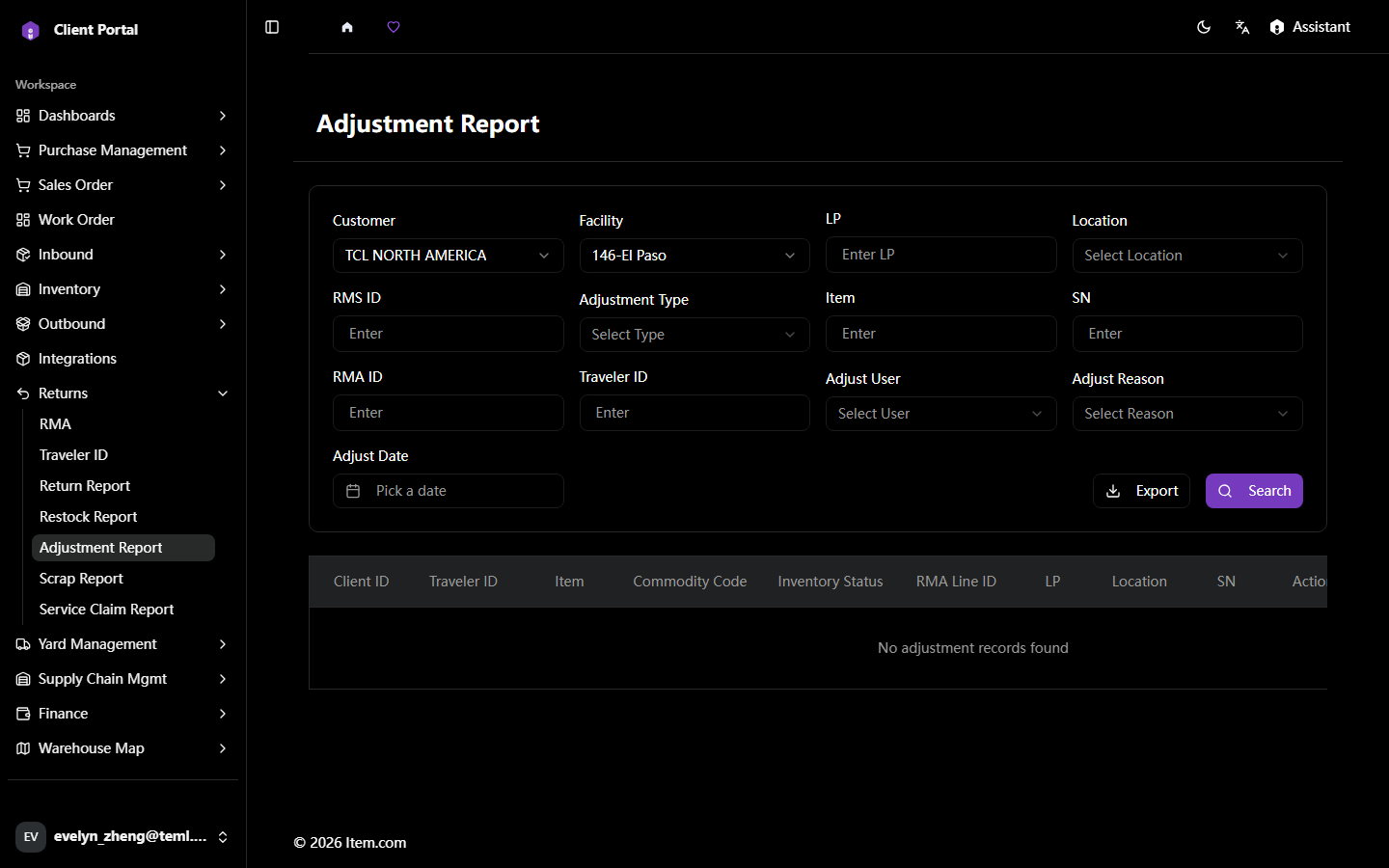
User GuidesClient PortalReturnsAdjustment ReportAdjustment Report The Adjustment Report logs all inventory adjustments resulting from returns processing. Operating Steps Navigate to Returns → Adjustment Report Select Customer, Facility and Item Number filter, then click "Search" Screenshots Restock ReportScrap Report