Warehouse Map
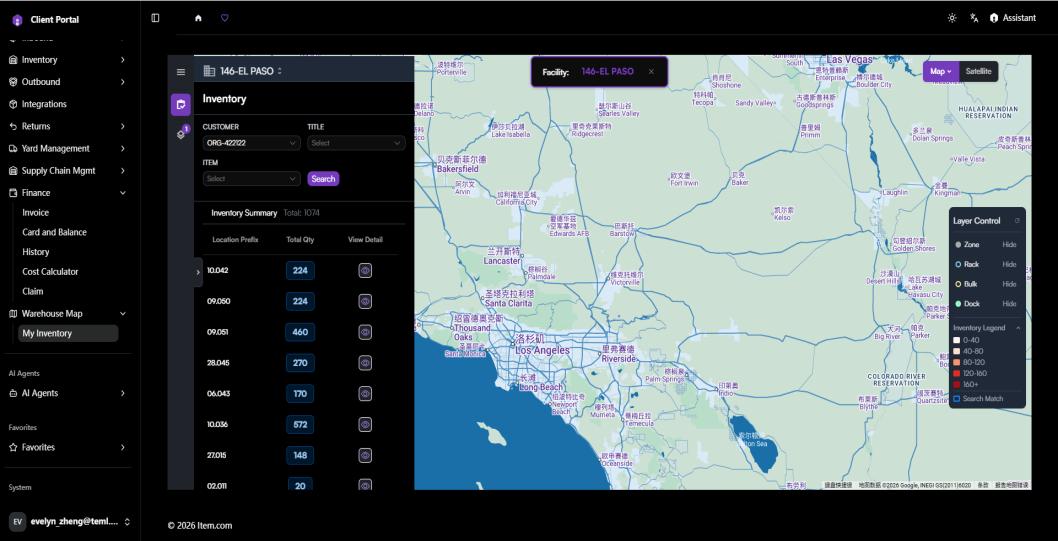
The Warehouse Map section provides a visual, interactive representation of inventory physical storage locations across Item facilities.
My Inventory
My Inventory displays an interactive warehouse floor map showing exactly where your inventory is stored. Click any highlighted zone to view items, quantities, and status.
Operating Steps
- Navigate to Warehouse Map → My Inventory
- Select the Facility from the dropdown to load the warehouse map
- Click any highlighted zone to view item details, quantity, and status
Screenshots