Inquiry
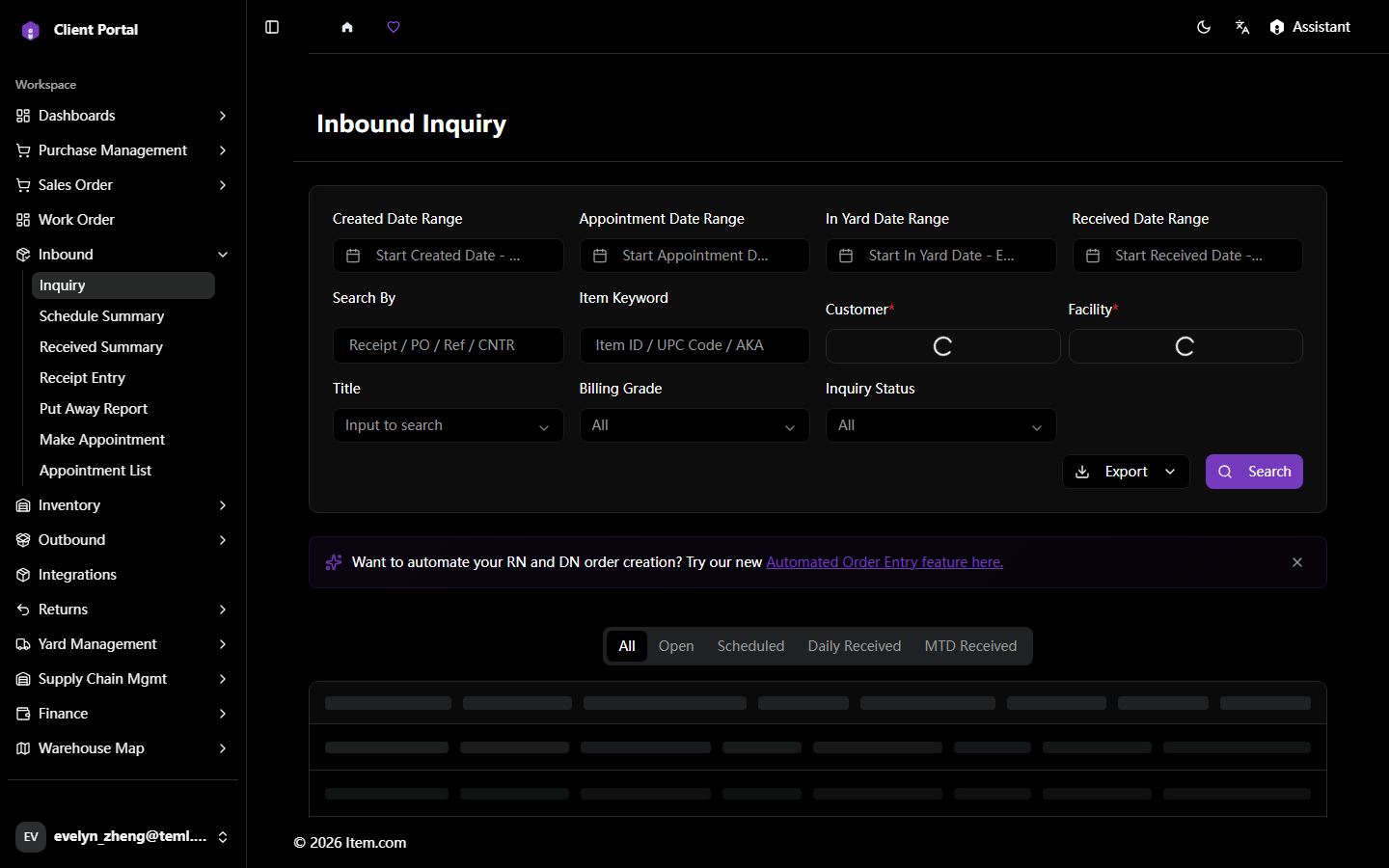
The Inbound Inquiry page enables searching and tracking of all inbound shipments across all receiving stages. Search by PO/ASN/Tracking/BOL number with filters for Customer, Facility, date ranges, Order Type, and Ship Method.
Operating Steps
- Navigate to Inbound → Inquiry
- Select your Customer and Facility
- Enter additional search criteria and click "Search"
- Click any Order # to view shipment details
Screenshots