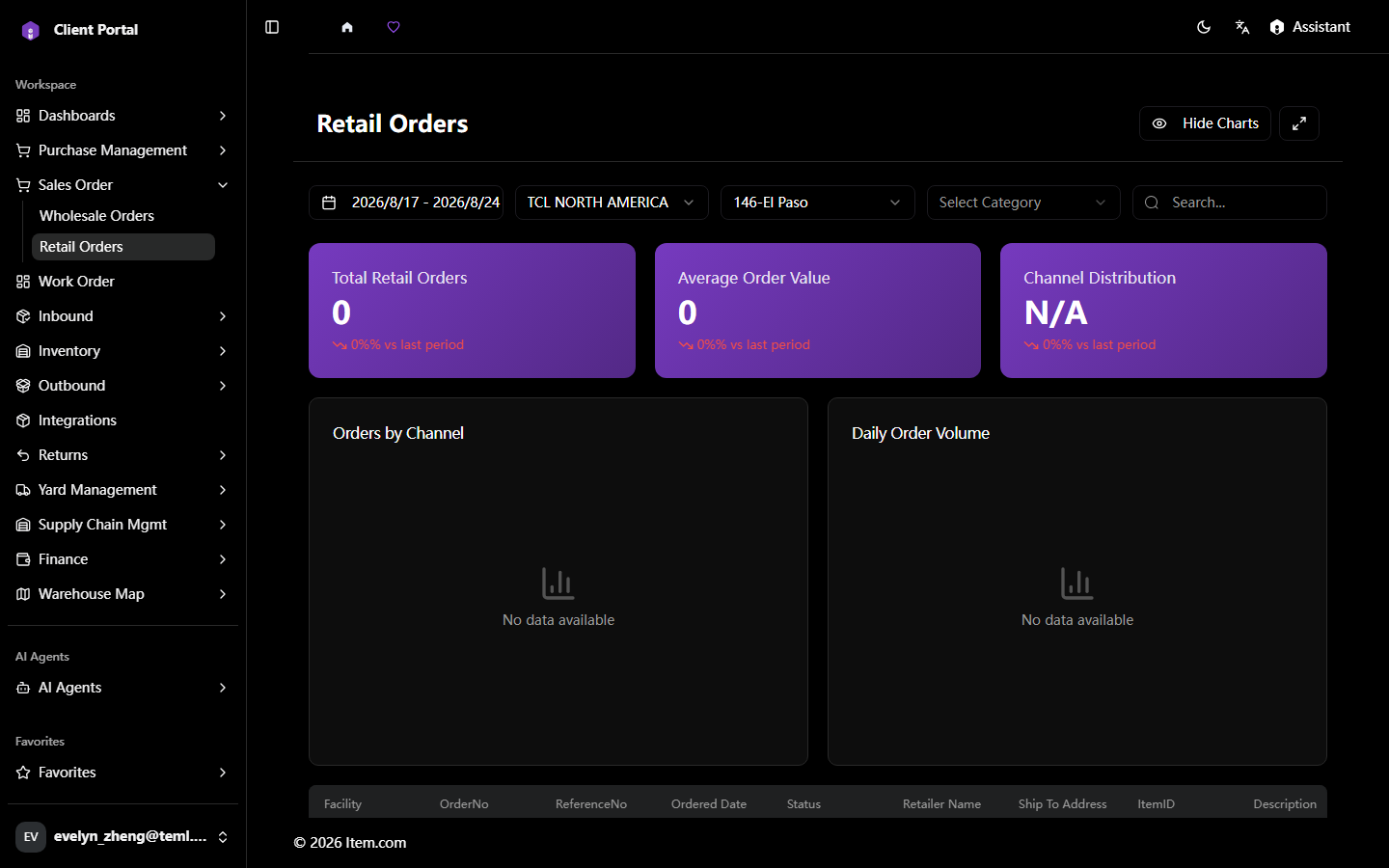
Retail Orders
The Retail Orders page manages individual retail and direct-to-consumer orders including small parcel shipments. Filter tabs include All, Preview, Plan, In Progress, Staged, Loading, Shipped, Billed, Paid, Partially Paid, and Post Due.
Operating Steps
- Navigate Sales Orders → Retail Orders
- Set filter criteria: date ranges, Customer, Facility, Order Type, Ship Method, Retailer
- Click "Search" to display results
- Click any Order # link to view the full order detail
- Use "Download PDF" or "Export" to download reports
Screenshots