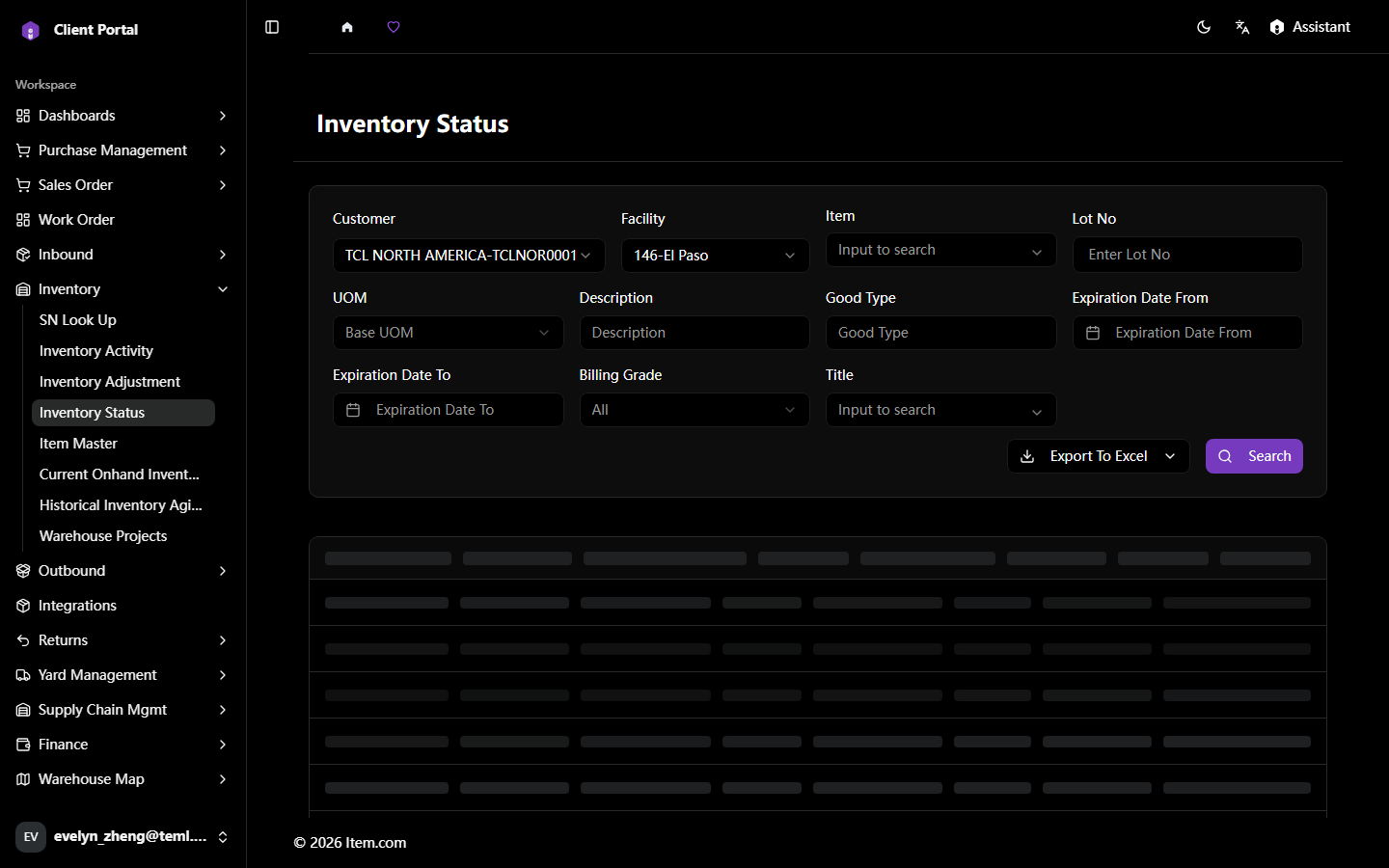
Inventory Status
Inventory Status provides a real-time snapshot of all on-hand inventory by item, location, and status.
Operating Steps
- Navigate to Inventory → Inventory Status
- Select Customer, Facility, and filters, then click "Search"
- Click any item row to view detailed location breakdown
Screenshots