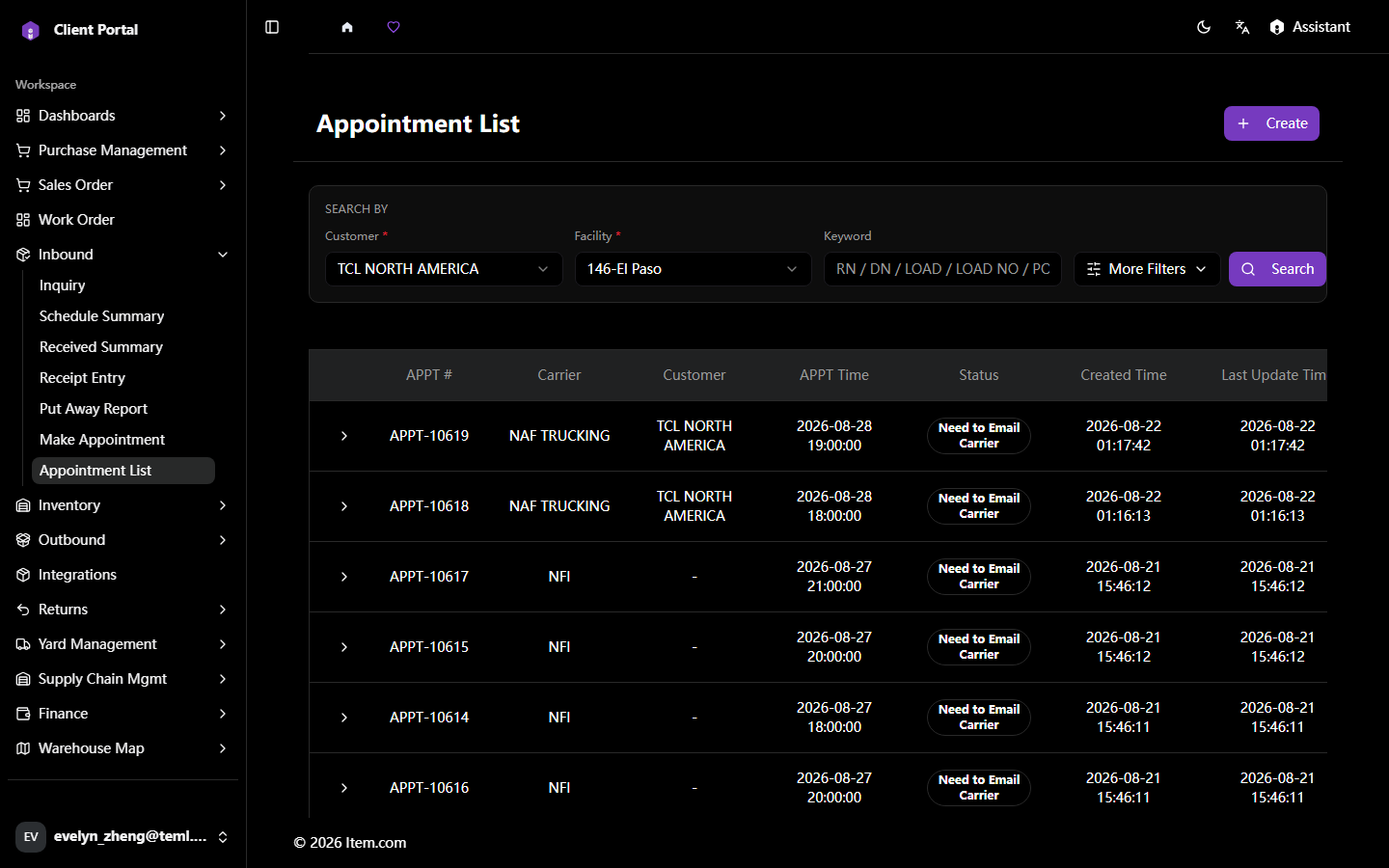
Appointment List
The Appointment List displays all scheduled inbound delivery appointments. Click any appointment to view details, edit, or cancel.
Operating Steps
- Navigate to Inbound → Appointment List
- Set date range, Customer and Facility, then click "Search"
- Click any Appointment Number to view or manage the appointment
Screenshots