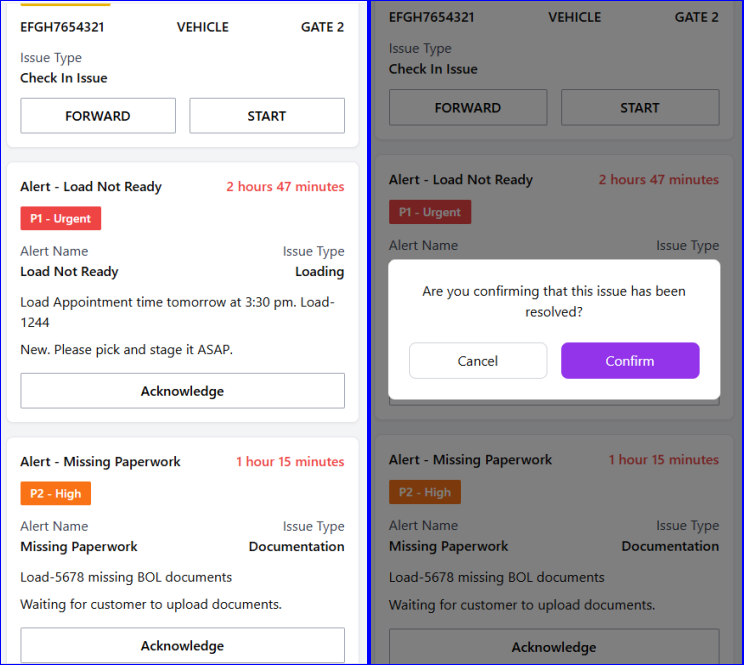
Workspace
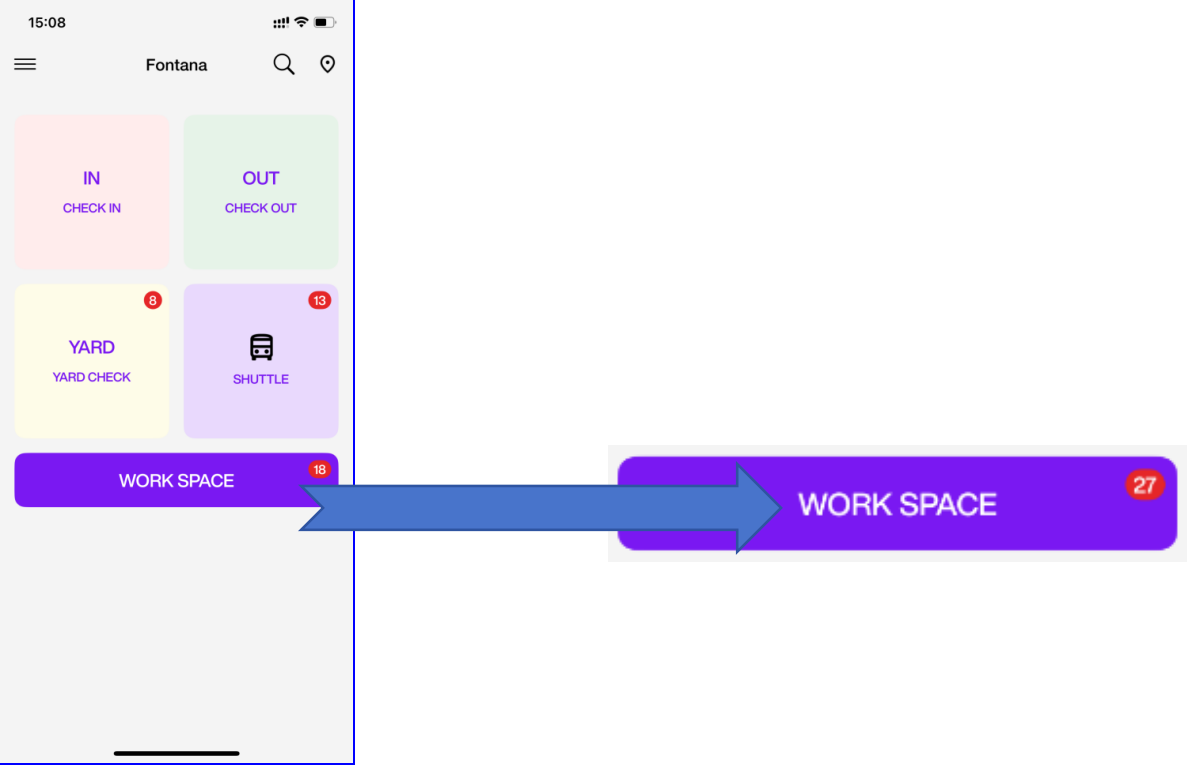
Workspace Task List
-
Here, you can see all tasks that are assigned to you or available for you to claim.
-
Task types include: Shuttle Task, Yard Check, Alert Driver, and Alert.
-
Tap Entry/Start to enter the task page.
-
Tap Forward to reassign the task to another user.
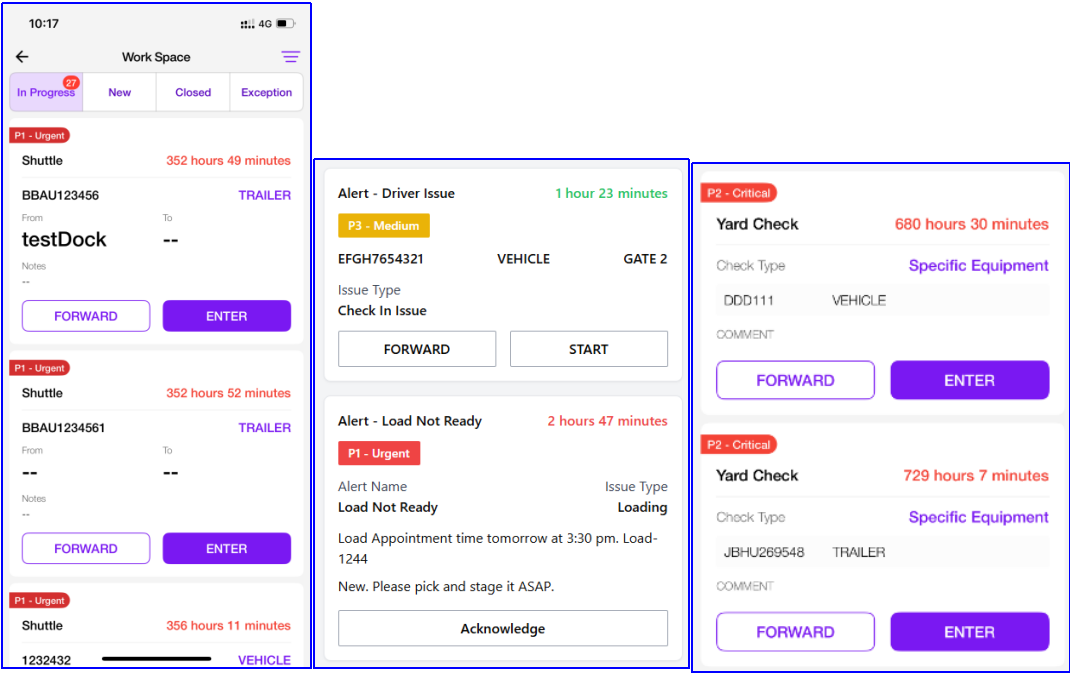
Workspace Task Type
Alert Driver
When a driver submits an issue through the Driver Portal, a task card will appear in the New section. The card displays the ET's equipment, along with the driver's issue type and comment.
You can tap Start to begin and claim the task.
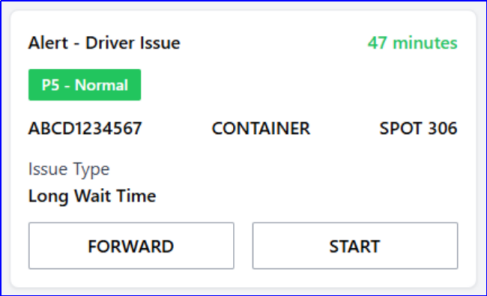
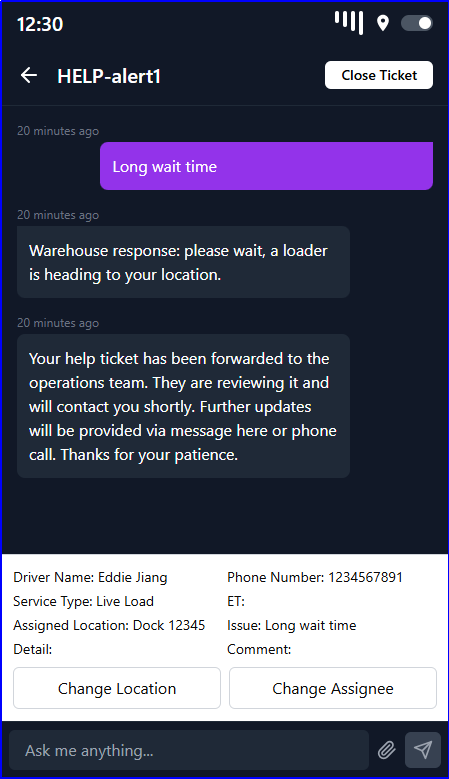
Tap Start to enter the chat box.Here, you can update the assigned location and staff for the ET.
Once the issue is resolved, tap Close Ticket to end the task.
Alert
In the New section, you can view system alert messages. Once the issue is resolved, tap Acknowledge to complete the task.