Scrap Report
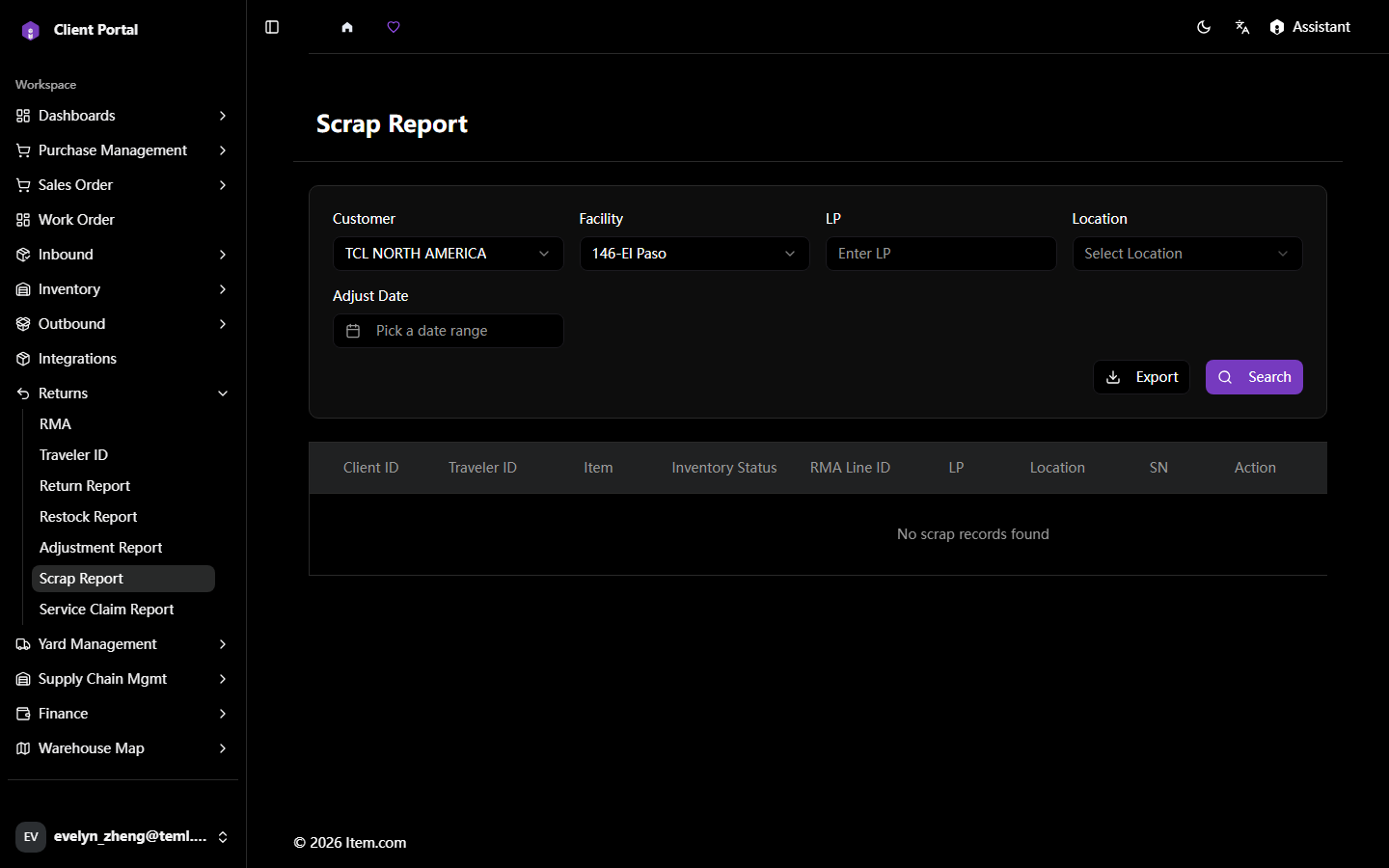
The Scrap Report records all returned items assessed as unsellable and disposed of.
Operating Steps
- Navigate to Returns → Scrap Report
- Select Customer, Facility and Adjust Date range, then click "Search"
- Click "Export to Excel" to download
Screenshots