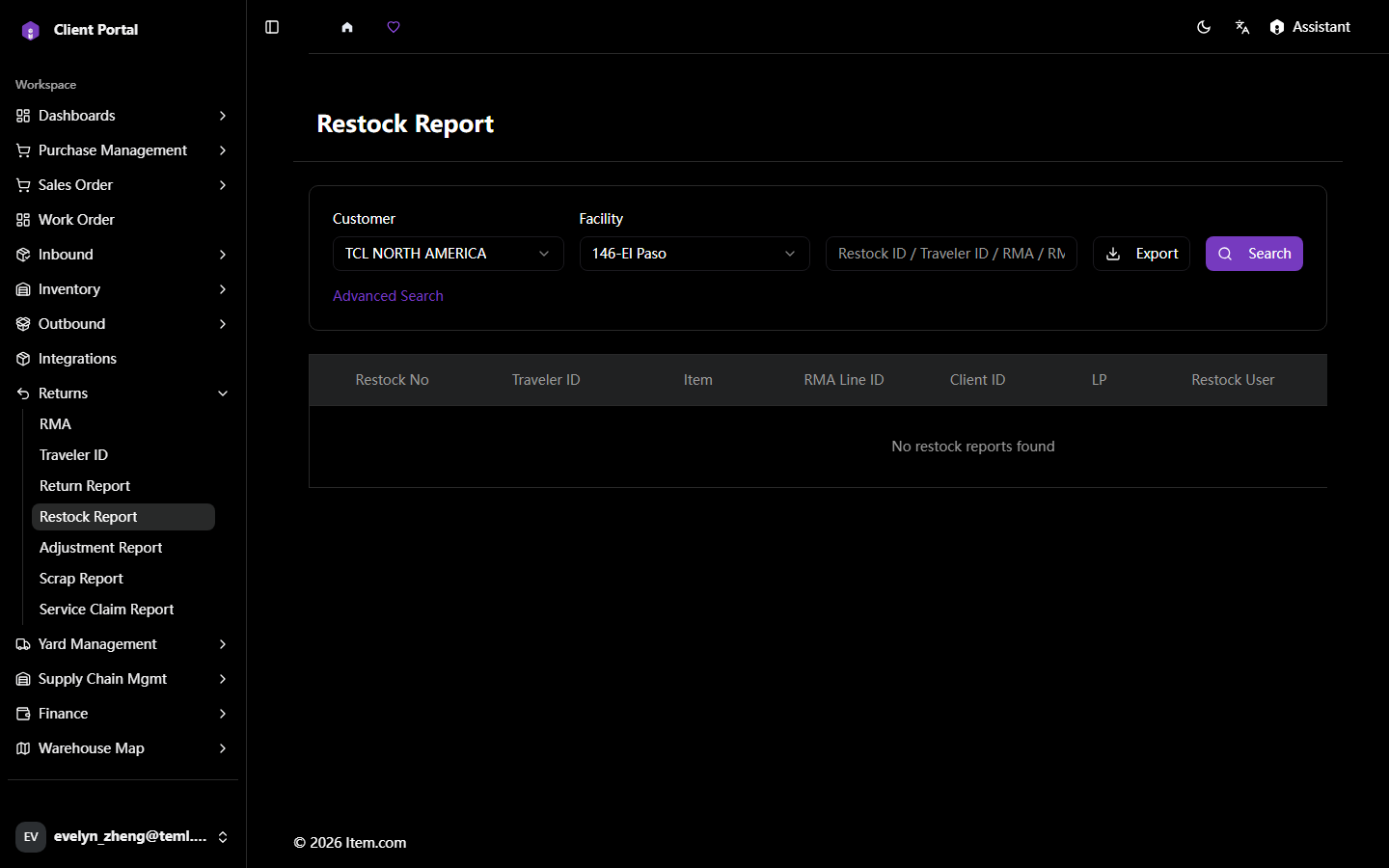
User GuidesClient PortalReturnsRestock ReportRestock Report The Restock Report shows returned items that have been inspected and restocked into available inventory. Operating Steps Navigate to Returns → Restock Report Select Customer and Facility, then click "Search" Screenshots Return ReportAdjustment Report