Inquiry
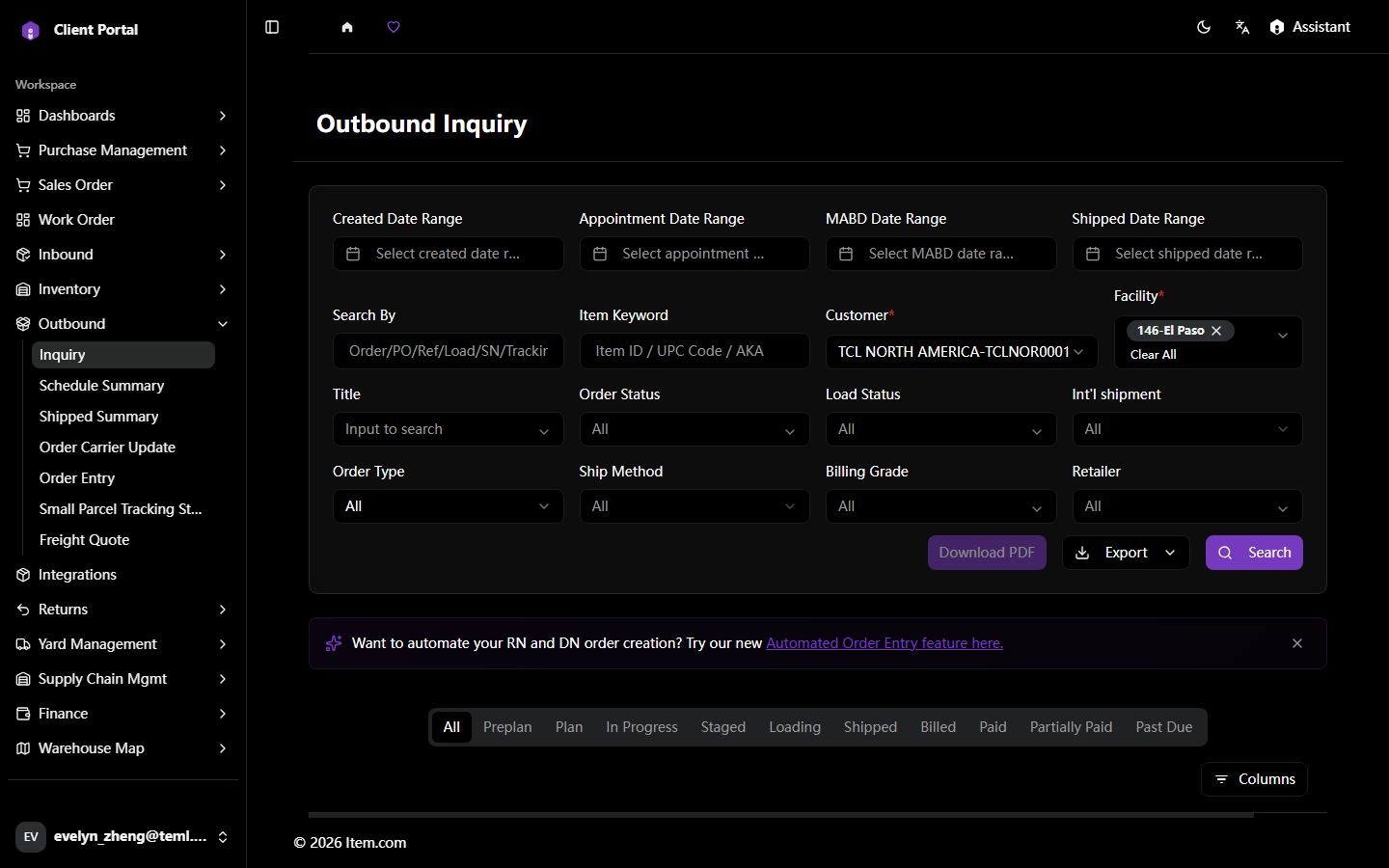
The Outbound Inquiry page allows searching and tracking of all outbound shipments by Order/PO/Load/Tracking number.
Operating Steps
- Navigate to Outbound → Inquiry
- Select Customer, Facility, and enter search criteria, then click "Search"
- Click any Order # to view full shipment details
Screenshots