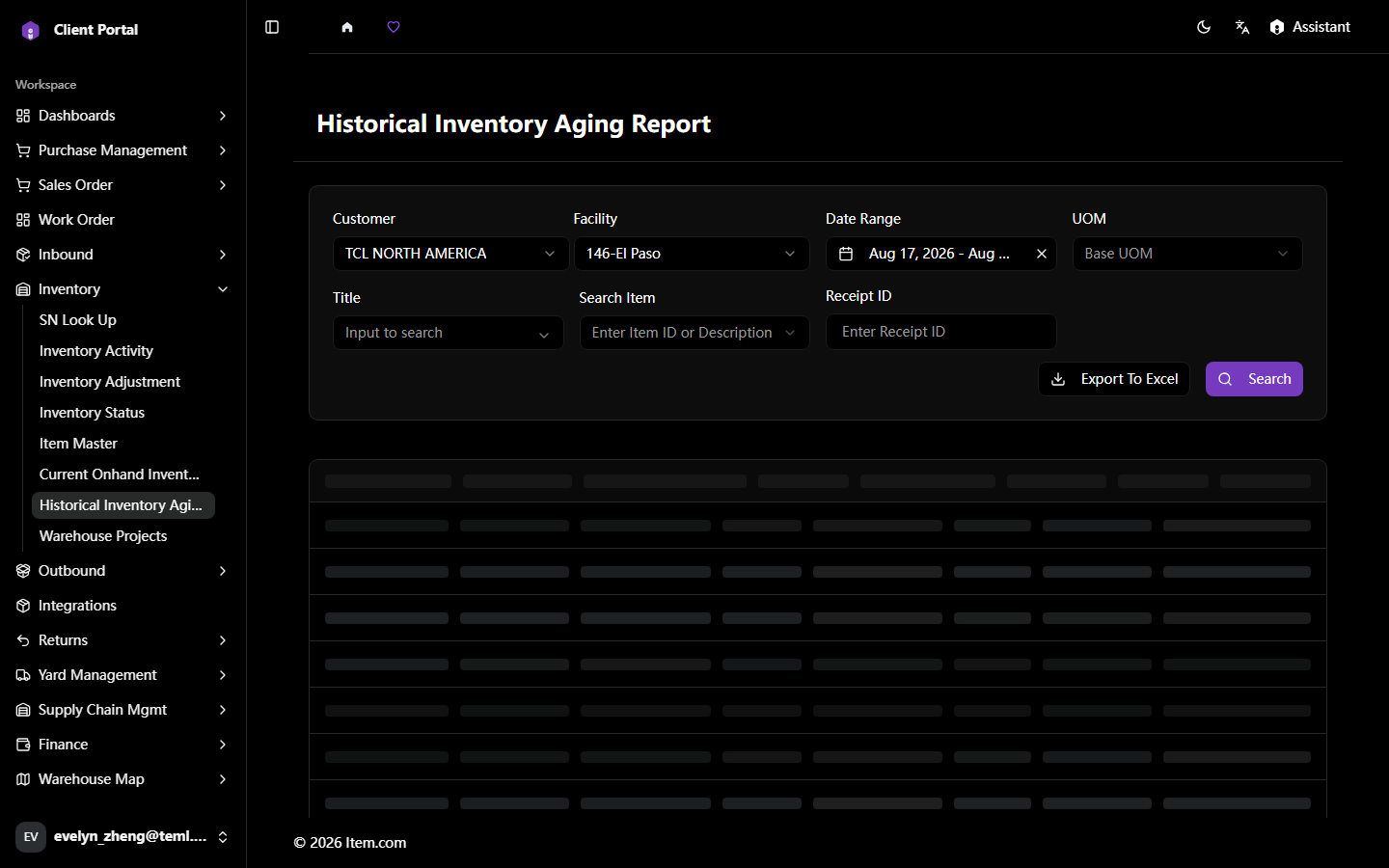
Historical Inventory Aging Report
The Historical Inventory Aging Report provides point-in-time ageing snapshots for any historical date.
Operating Steps
- Navigate to Inventory → Historical Inventory Aging Report
- Select the Historical Date, Customer, and Facility, then click "Search"
Screenshots