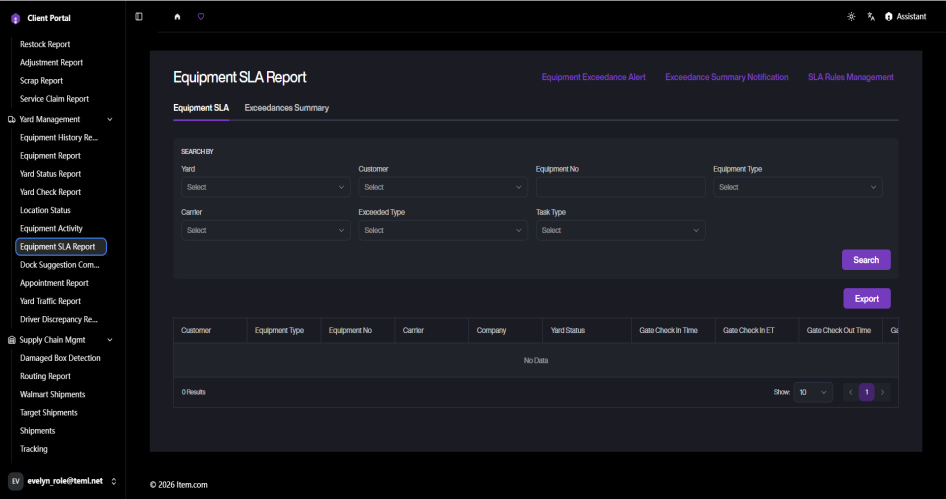
Equipment SLA Report
The Equipment SLA Report tracks equipment dwell time against SLA thresholds, highlighting equipment that has exceeded allowed yard time.
Operating Steps
- Navigate to Yard Management → Equipment SLA Report
- Select Yard, Customer, or enter Equipment No, then click "Search"
Screenshots