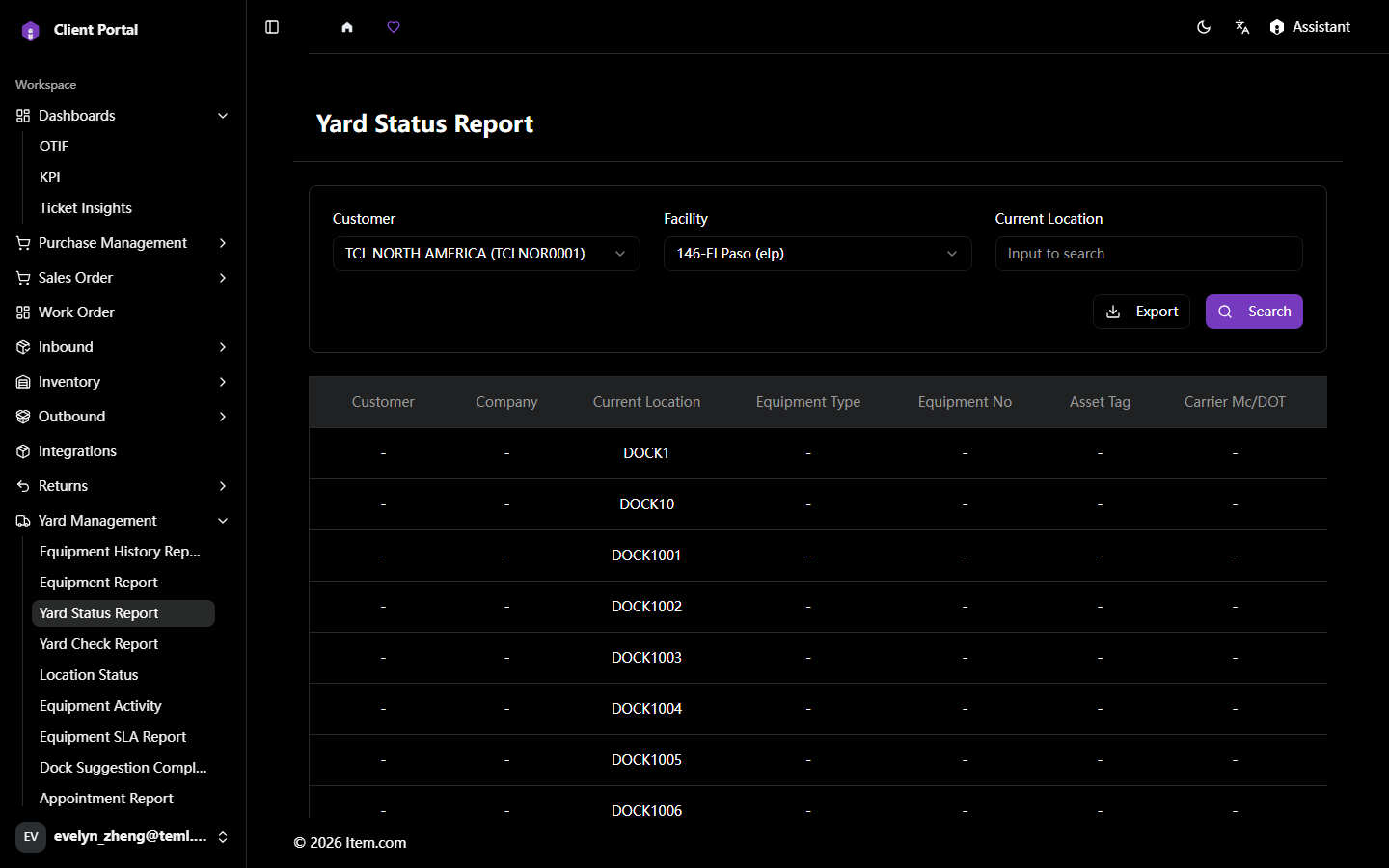
Yard Status Report
The Yard Status Report provides a real-time overview of all equipment in the yard, showing occupancy levels and dwell times by zone.
Operating Steps
- Navigate to Yard Management → Yard Status Report
- Select Customer, Facility, and filters, then click "Search"
Screenshots