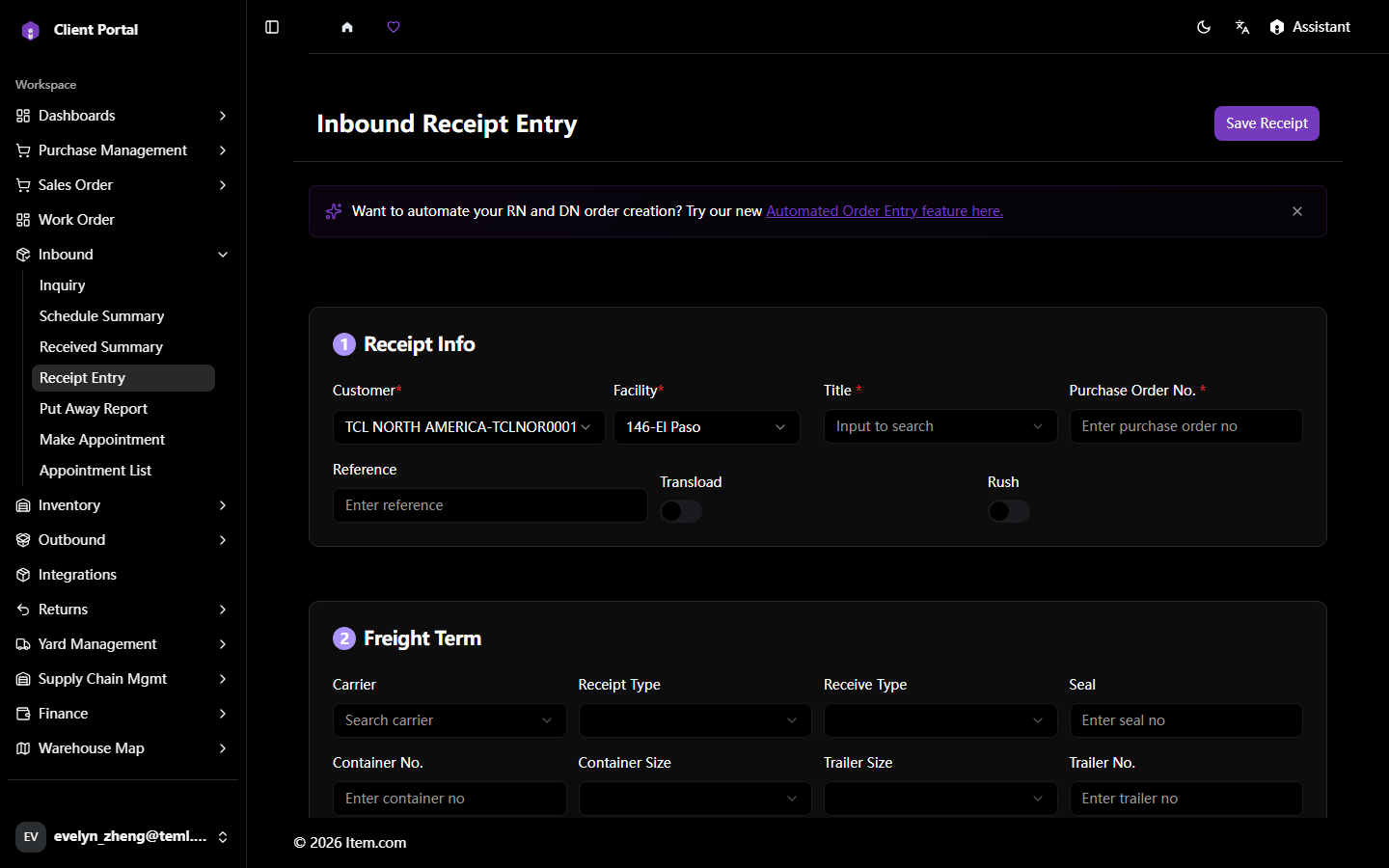
Receipt Entry
Receipt Entry provides a detailed, line-by-line view of each individual receipt transaction including item quantities, lot/serial numbers, and exceptions.
Operating Steps
- Navigate to Inbound → Receipt Entry
- Enter PO number, ASN number, or receipt number
- Select Customer and Facility, then click "Search"
- Click any receipt line to open the full detail view
Screenshots