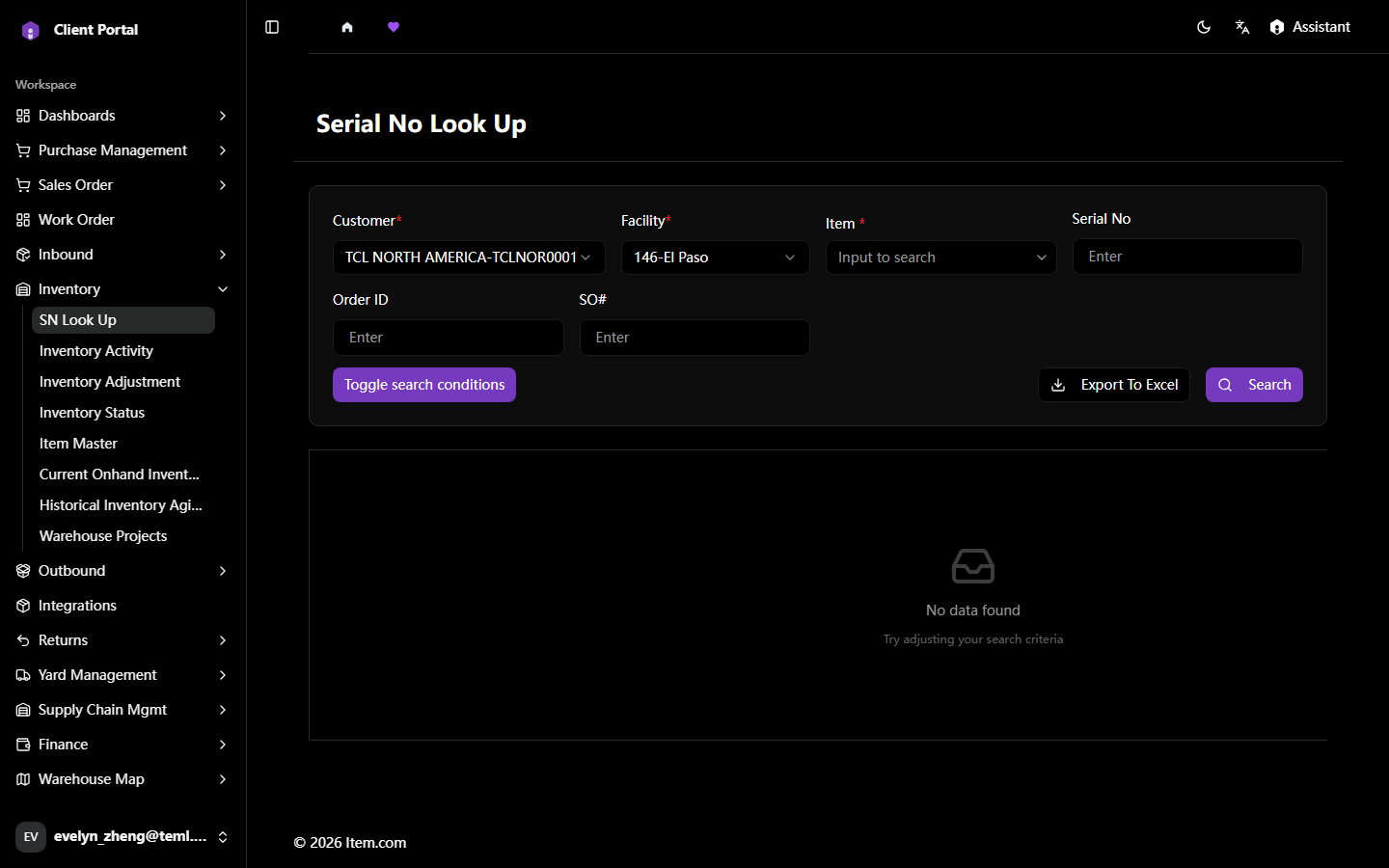
SN Look Up
SN Look Up locates any item by serial number or lot number in real time.
Operating Steps
- Navigate to Inventory → SN Look Up
- Enter Customer, Facility, Item, the Serial Number or Lot Number and click "Search"
- Click the item record to view full location and transaction history
Screenshots