Put Away Report
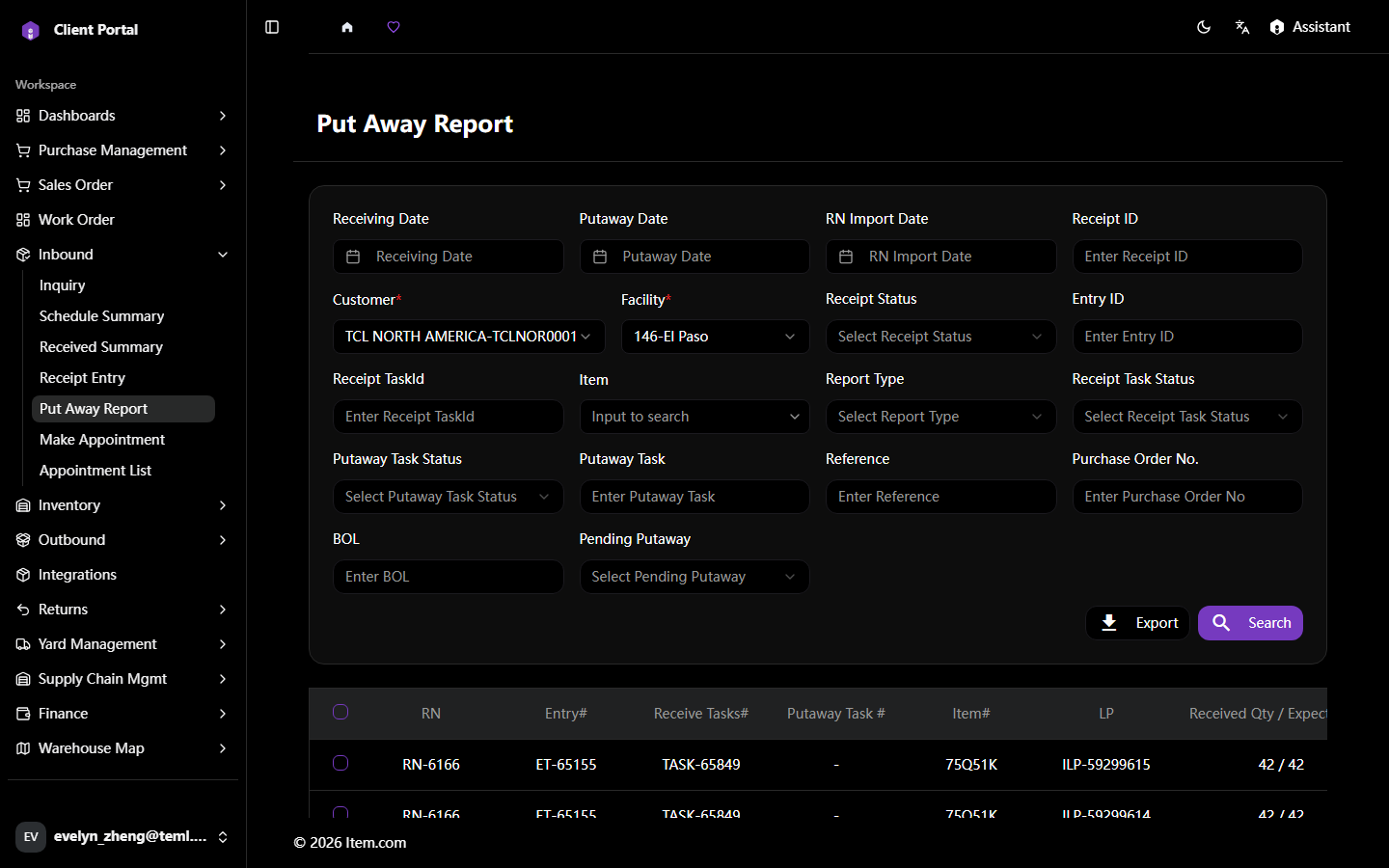
The Put Away Report tracks inventory movement from the receiving dock to its designated storage location.
Operating Steps
- Navigate to Inbound → Put Away Report
- Select Customer and Facility, then click "Search"
- Review assigned storage locations and completion status
Screenshots