Getting Started
Portal Address
Access the Carrier Portal at: https://carrier.item.com/ (opens in a new tab).
Account Activation
To get started, YMS administrator will send an activation email to your registered address via the YMS management system.
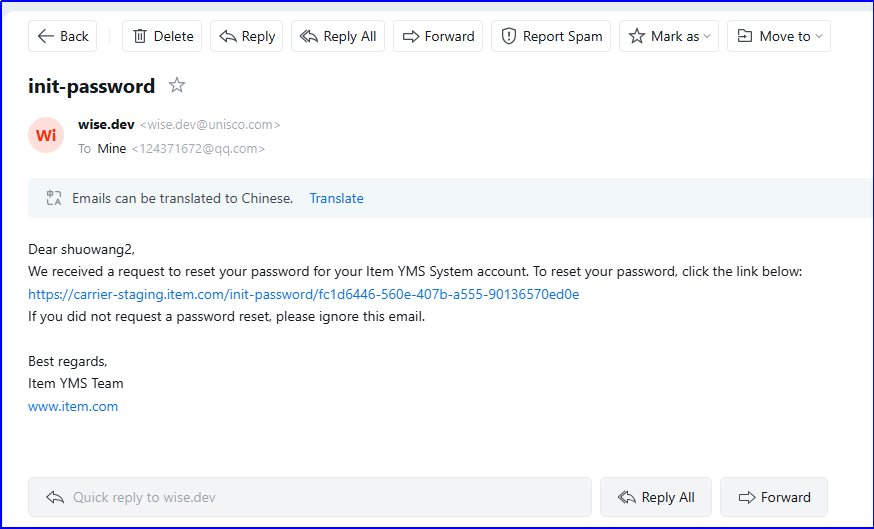
Click the activation link in the email.
Set your password.
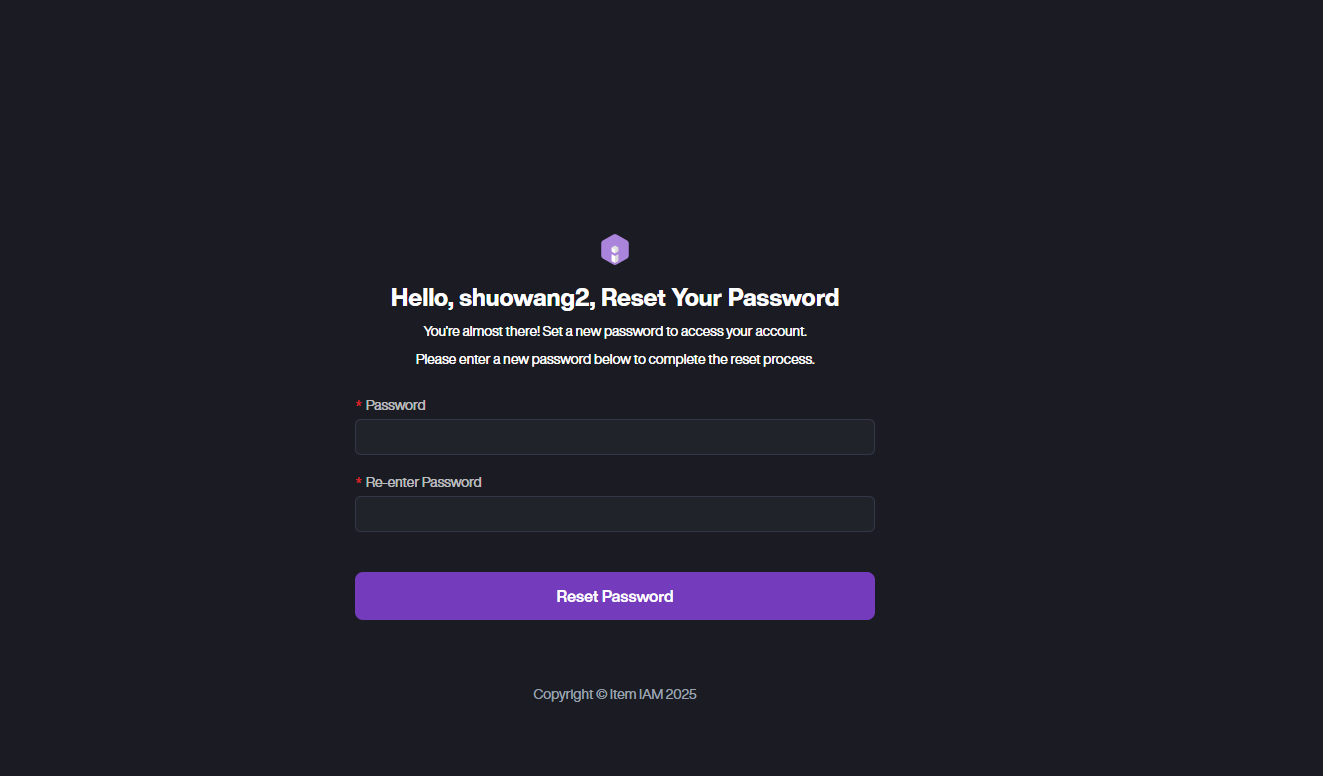
Your account is now ready for login.
Logging In
-
Go to the login page and enter your username or account email.
-
Enter your password.
-
Click Sign In to access the portal.
Resetting Your Password
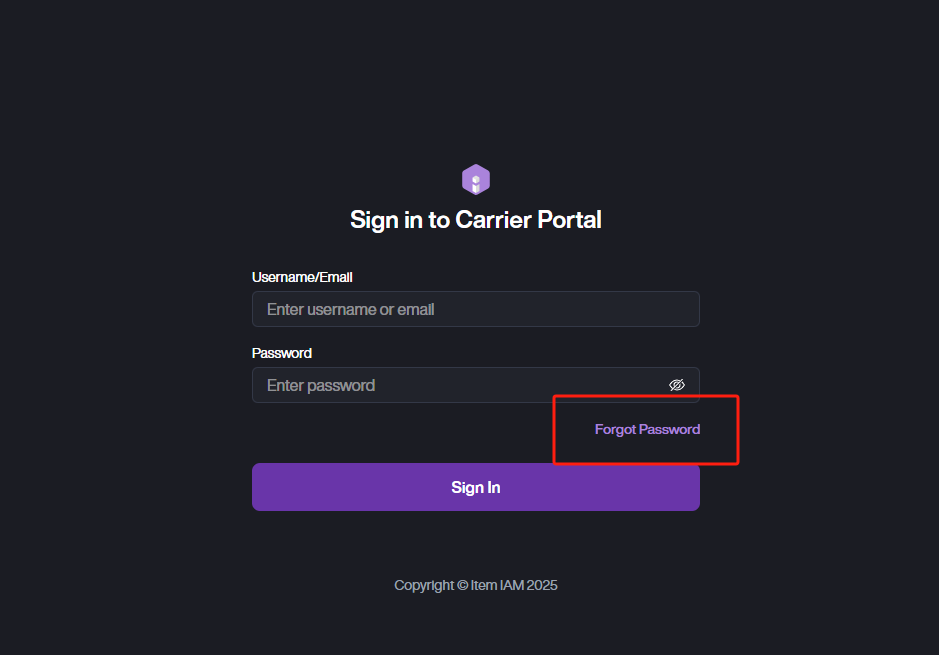
- If you've forgotten your password, click the Forgot Password button.
- Enter your email address.
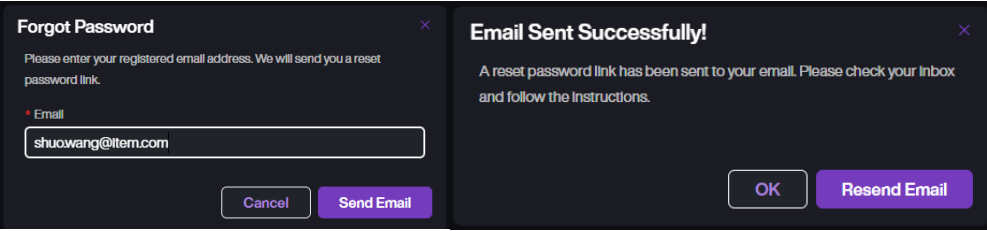
- The system will send you a password reset email.
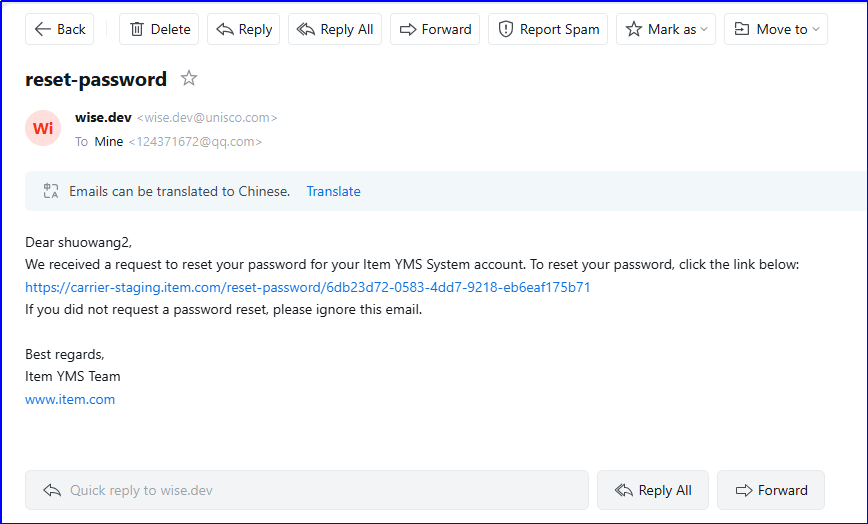
- Click the reset link in the email and set a new password.