Received Summary
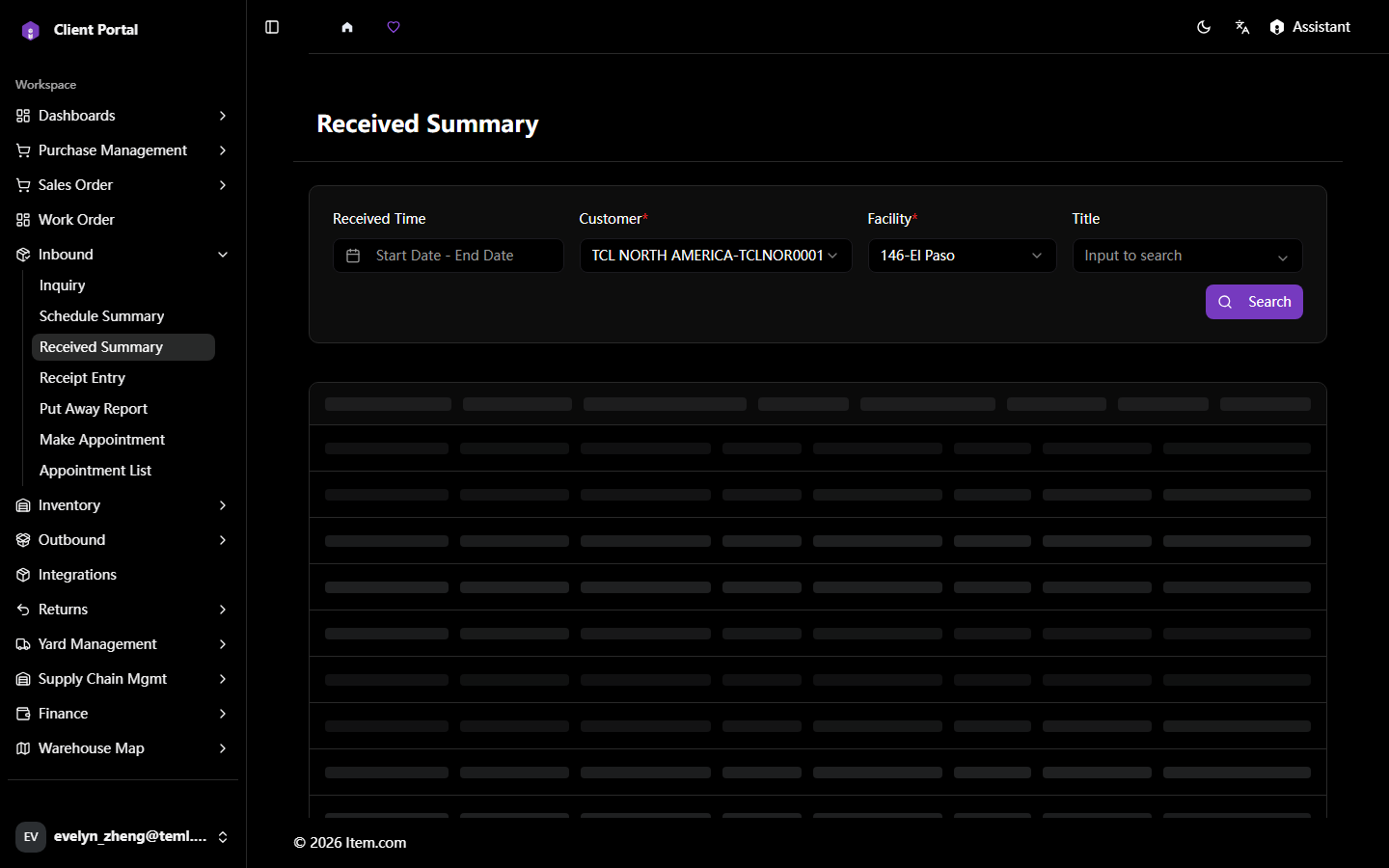
The Received Summary provides an aggregated view of all goods received within a selected period.
Operating Steps
- Navigate to Inbound → Received Summary
- Select Customer, Facility, and date range, then click "Search"
- Click "Export to Excel" to download
Screenshots