Inventory Adjustment
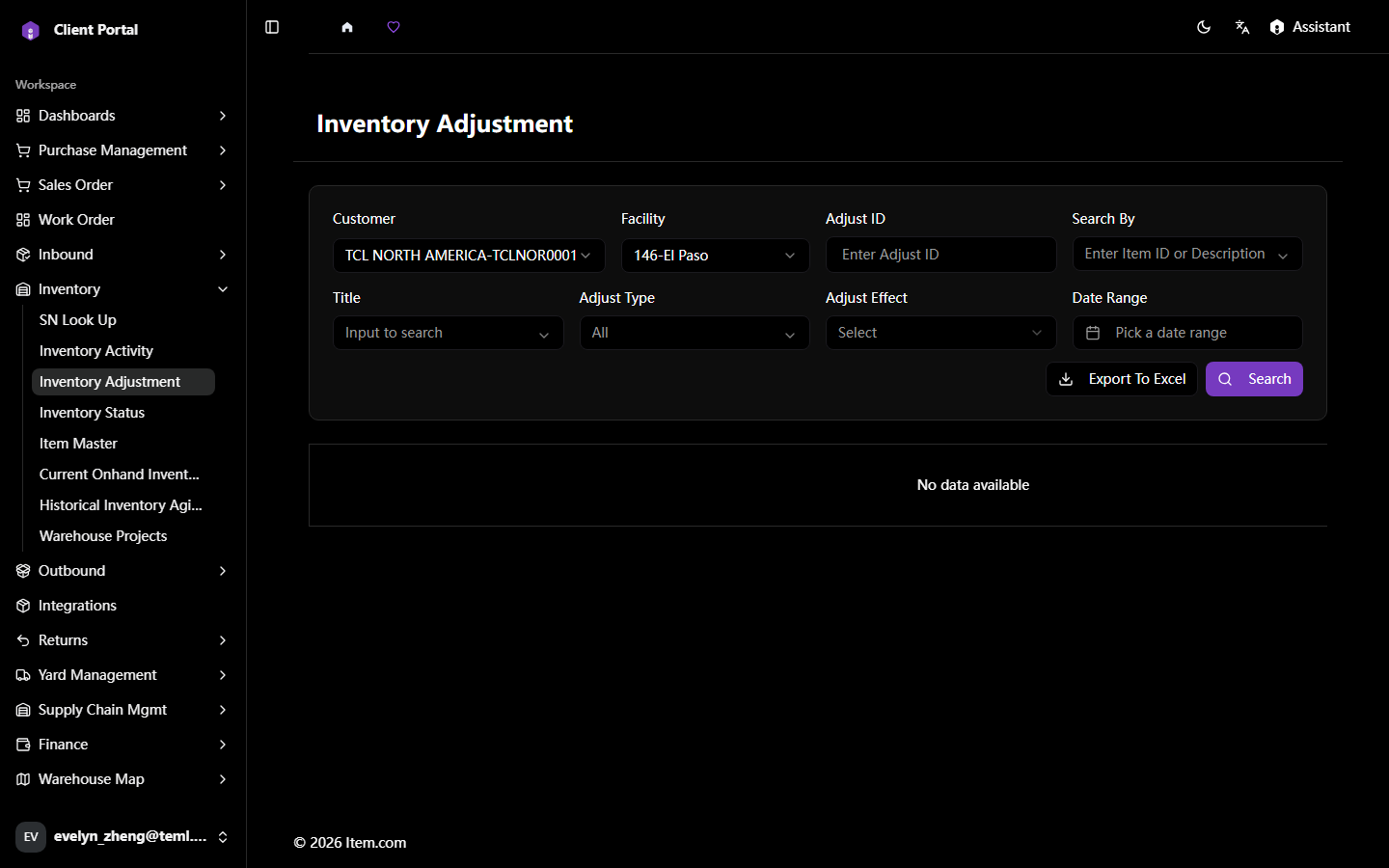
Inventory Adjustment allows review of inventory adjustment records showing Facility, Container #, AdjustID, Item ID, Description, Status, and Adjust QTY.
Operating Steps
- Navigate to Inventory Adjustment
- Select Customer, Facility, and filters, then click "Search"
- Click "Export to Excel" to download adjustment data
Screenshots