Fulfillment Mode
Fulfillment Mode serves as the Master Switch that integrates the system with the physical logistics capabilities of UNIS Wise. By enabling this mode, you authorize the system to automatically route sales orders to item WMS for inventory allocation, picking, packing, and shipping.
Configuration Options
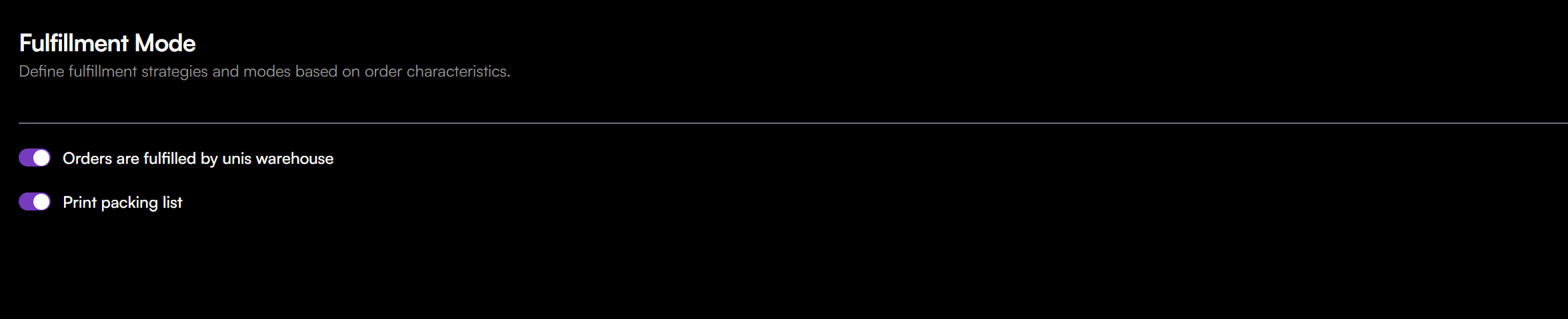
To configure the fulfillment mode settings:
- Navigate to Automation > Sales Orders > Fulfillment Mode.
- Click the toggle switches to enable the desired settings (Default is off).
- Orders are fulfilled by Unis Warehouse
- Print packing list
Orders are fulfilled by unis warehouse
This is the primary integration toggle.
- ON (Enabled): The system will push orders to UNIS Wise to handle your inventory management, warehousing, and shipping execution.
- OFF (Disabled): Orders will not be sent to UNIS Wise. You are responsible for fulfilling orders manually.